

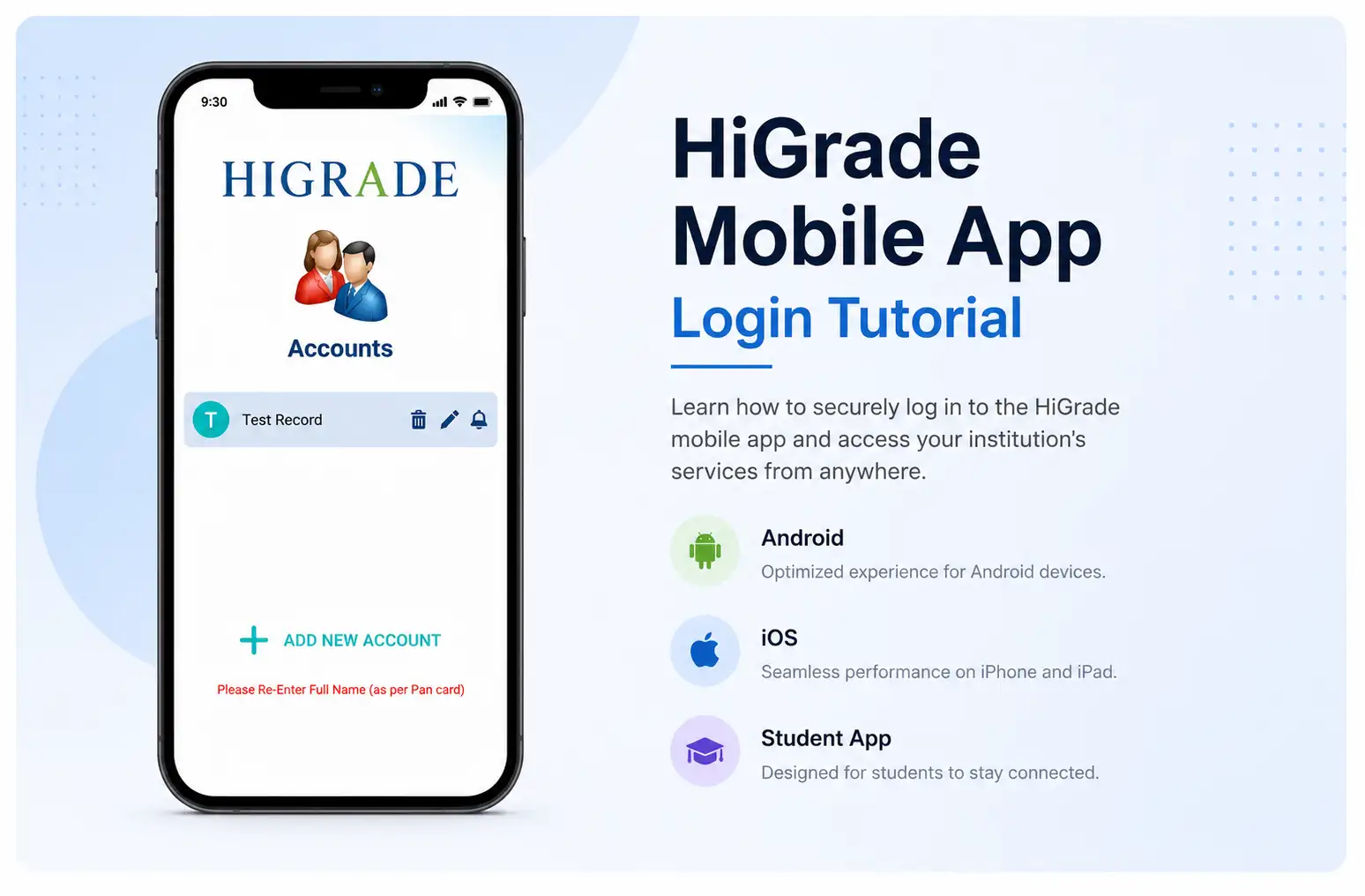
HiGrade Mobile App Login Tutorial
Learn how to securely log in to the HiGrade mobile app and access your institution's services from anywhere.
Table of Contents
Introduction
Getting started with the HiGrade mobile app is quick and easy. As an extension of our college management system, the mobile application allows students, faculty, parents, and administrators to securely access campus services anytime, anywhere. Available for both Android and iOS devices, the HiGrade app provides seamless access to academic, administrative, and financial information through a single, user-friendly platform.
Whether you want to check attendance, view examination results, pay fees, or access academic records, this tutorial will guide you through the login process and help you start using the HiGrade college ERP software with ease.
Video Tutorial
Watch the step-by-step video guide to learn how to log in to the HiGrade Mobile App and start accessing your institution's services from your mobile device.
Step-by-Step Login Guide
Follow these simple steps to access the HiGrade mobile app:
- Download the HiGrade mobile app from the Google Play Store or Apple App Store.
- Enter your institution's unique domain name or institution code.
- Log in using your role-based credentials (Student, Faculty, Parent, or Administrator).
- Access your personalized dashboard based on your user role.
- Navigate through the available modules and start managing your academic and administrative activities securely.
What Can You Access After Logging In?
Once logged in, users can securely access multiple modules available within the HiGrade college management software, including the following:
- Student Lifecycle Management – Student profiles, admissions, certificates, and academic records.
- Academic Management – Timetables, attendance, lesson plans, assignments, and internal assessments.
- Examination Management – Examination schedules, hall tickets, internal marks, results, GPA/CGPA, and transcripts.
- Finance Management – Fee payments, receipts, scholarships, and financial information.
- Communication Platform – Notifications, announcements, circulars, SMS, email, and WhatsApp communication.
- Reports & Dashboards – Personalized dashboards and institutional reports.
- AI Services – Intelligent insights and decision support for administrators and management.
Who Can Use the HiGrade Mobile App?
The HiGrade Mobile App is designed to support every stakeholder within a higher education institution.
- Students can view attendance, examination results, timetables, assignments, and fee information.
- Faculty can manage attendance, lesson plans, internal marks, and academic activities.
- Parents can monitor attendance, fee payments, academic performance, and institutional notifications.
- Administrators can access dashboards, reports, approvals, and campus management tools from anywhere.
Need Help Logging In?
If you experience any issues while logging in, contact your institution's administrator or the HiGrade support team for assistance. Ensure that your institution code and login credentials are entered correctly before attempting to sign in.
Final Thoughts
The HiGrade mobile app makes accessing your college management system simple, secure, and convenient. With mobile access to academics, examinations, finance, communication, and campus services, users can stay connected to their institution anytime and anywhere.
Watch the tutorial above, log in to your account, and experience how HiGrade's ERP for colleges delivers a smarter, more connected, and mobile-first approach to education management.